- Get Started
- Video Tutorials
- Knowledge Base
- FAQs & Troubleshooting
How to Connect Joybuy Stores in 4Seller Within MCF Tools?
On MCF Tools , you can enter the authorized Joybuy store page through two Entrances:

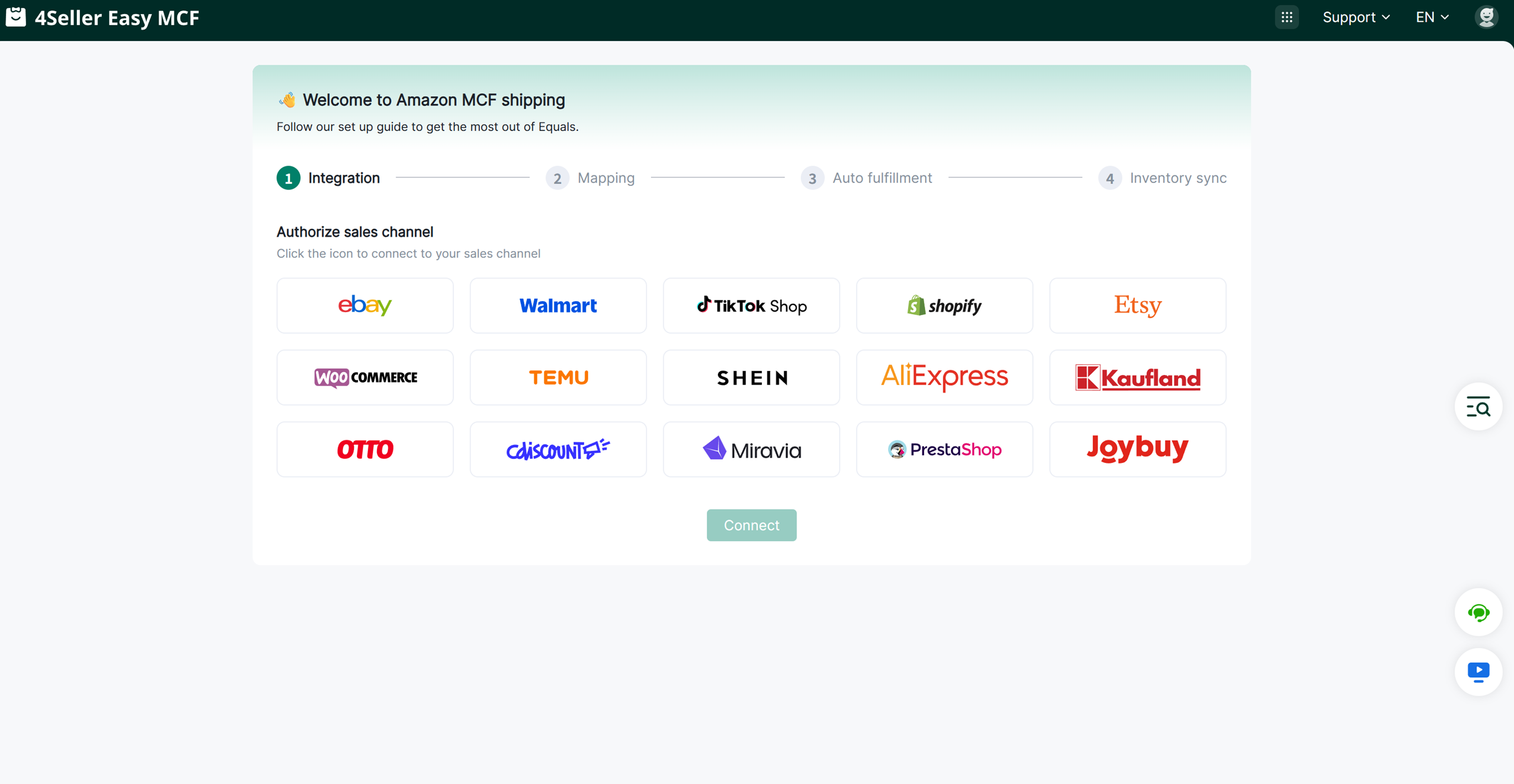
Entrance 1: On the guide page, if you are a new user, you can set up your Sales Channel in the MCF guide Wizard , and click the Joybuy store icon to enter the store authorization page.


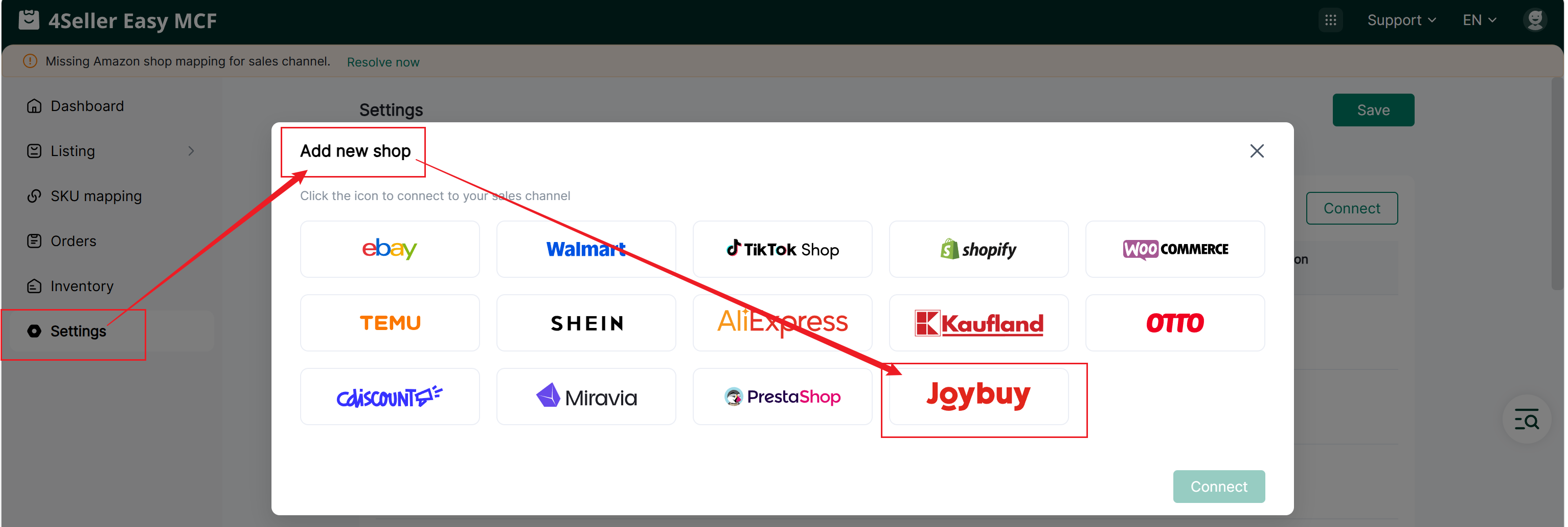
Entrance 2: On the Setting page, no matter whether you have authorized the store before, you can authorize the store here.

Step 1. Click Shop Manage in Settings, and then click the Joybuy icon to enter the store authorization page.


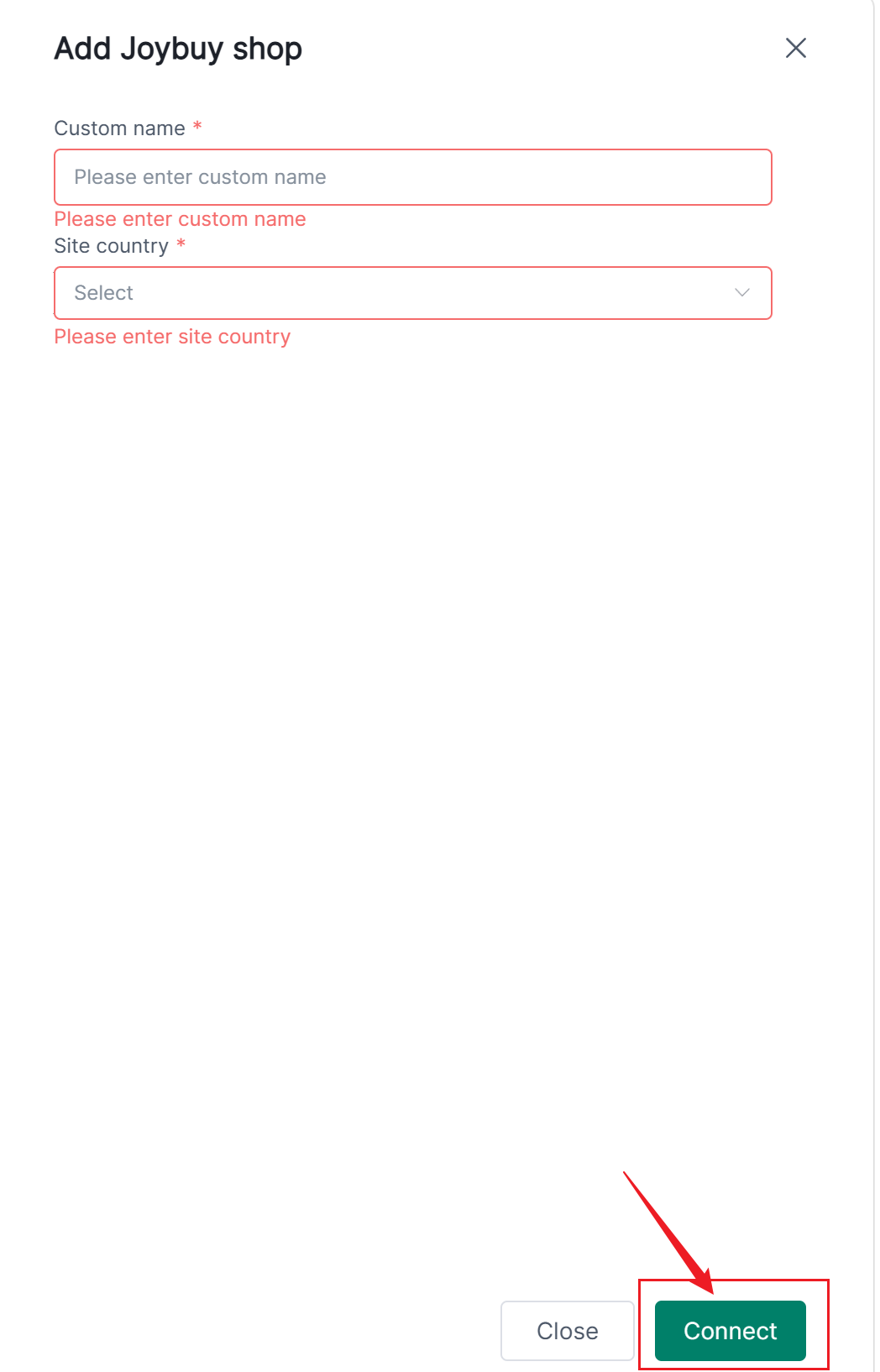
Step 2. Enter the custom shop name and choose the Site country and then click the Connect button, and you will be redirected to the Joybuy website.


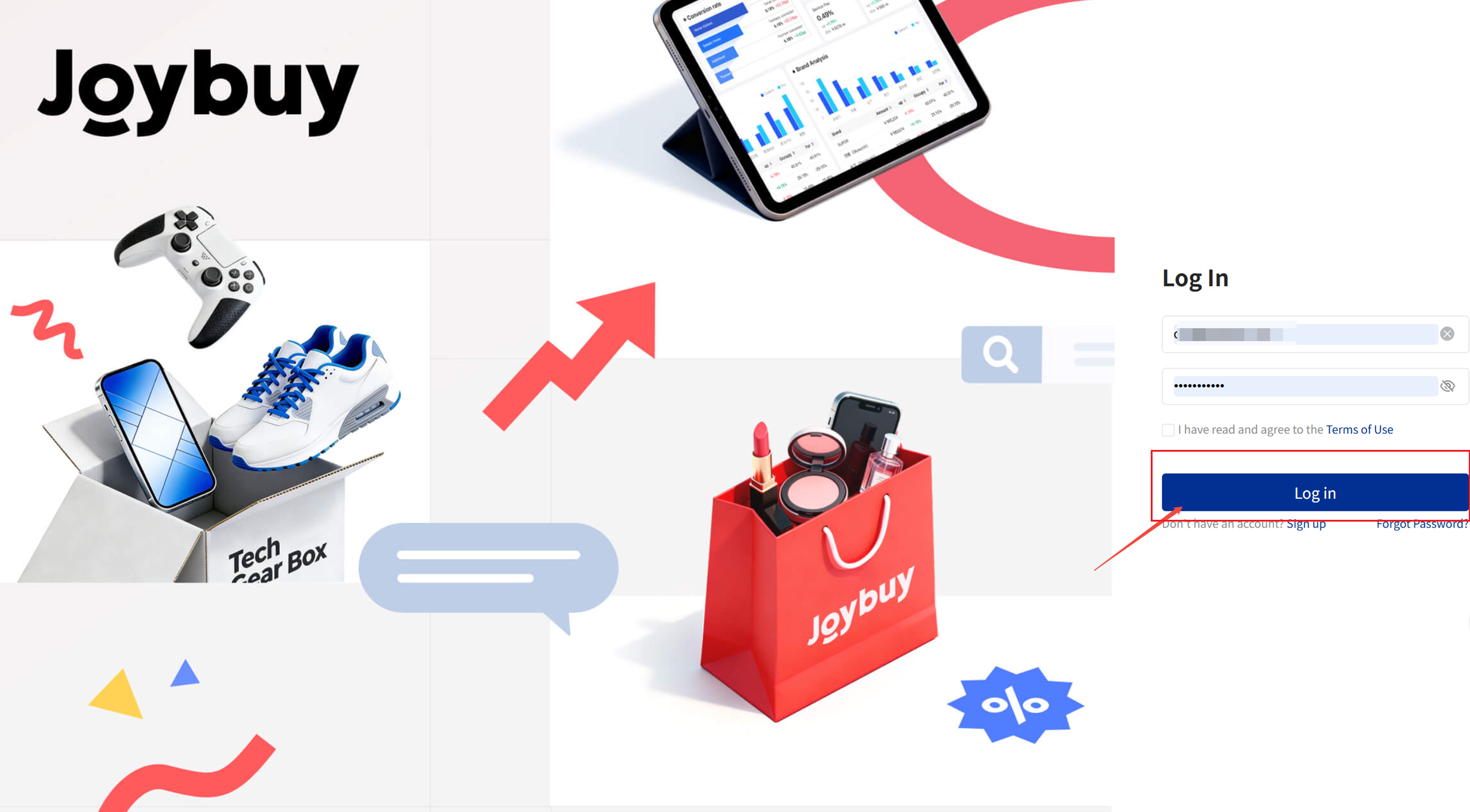
Step 3. Input your Joybuy account, click Log in to redirect to the page, then confirm authorization.


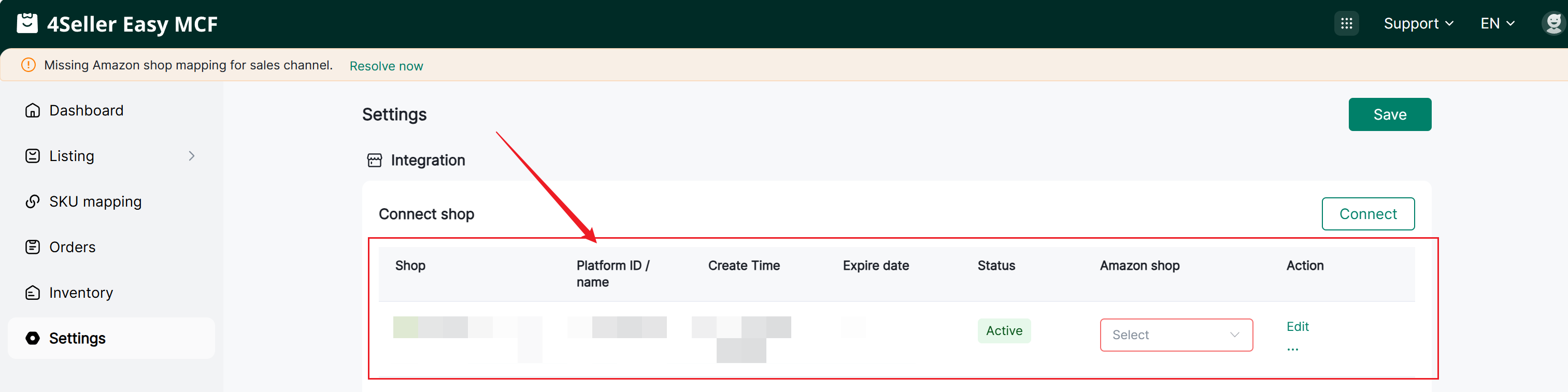
Step 4: After connect successfully,  you can go to the setting page "Connect Shop" for checking status and edit.


Any Problem please feel free to contact 4Seller: support@4seller.com